
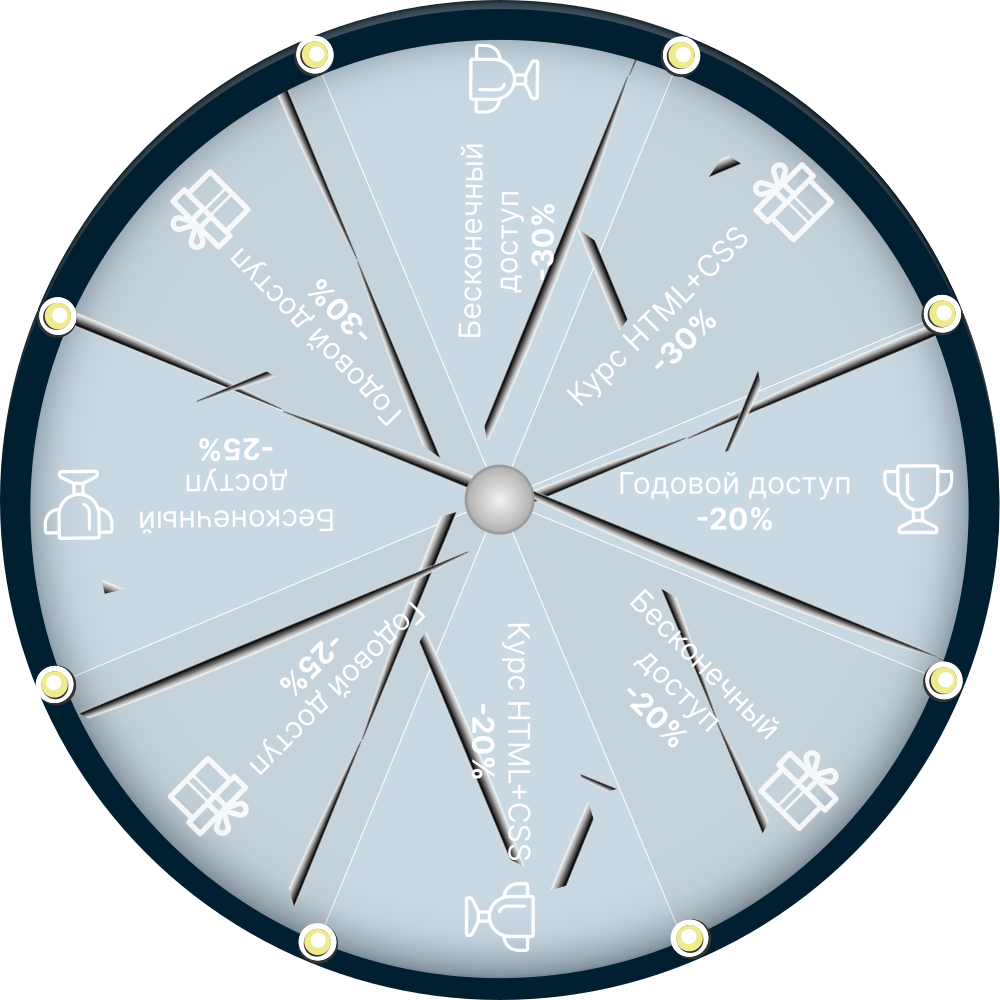
Ура, вы выиграли!
Ваш приз:
Годовой доступ
к видео на mo-ti -20%
по промокоду T19RAY
Промокод действителен 3 дня
Оформить доступ с промокодом
Ваш приз:
Годовой доступ
к видео на mo-ti -20%
по промокоду T19RAY
Промокод действителен 3 дня
Оформить доступ с промокодом
100
#2470a1 Ура, вы выиграли!
Ваш приз:
Бесконечный доступ
к видео на mo-ti -20%
по промокоду BYP877
Промокод действителен 3 дня
Оформить доступ с промокодом
Ваш приз:
Бесконечный доступ
к видео на mo-ti -20%
по промокоду BYP877
Промокод действителен 3 дня
Оформить доступ с промокодом
100
#19547b Ура, вы выиграли!
Ваш приз:
Курс по HTML+CSS
со скидкой -20%
по промокоду B1JUMZ
Промокод действителен 3 дня
Записаться с промокодом
Ваш приз:
Курс по HTML+CSS
со скидкой -20%
по промокоду B1JUMZ
Промокод действителен 3 дня
Записаться с промокодом
100
#2470a1 Ура, вы выиграли!
Ваш приз:
Годовой доступ
к видео на mo-ti -25%
по промокоду 9HV09P
Промокод действителен 3 дня
Оформить доступ с промокодом
Ваш приз:
Годовой доступ
к видео на mo-ti -25%
по промокоду 9HV09P
Промокод действителен 3 дня
Оформить доступ с промокодом
100
#2470a1 Ура, вы выиграли!
Ваш приз:
Бесконечный доступ
к видео на mo-ti -25%
по промокоду L1WBTH
Промокод действителен 3 дня
Оформить доступ с промокодом
Ваш приз:
Бесконечный доступ
к видео на mo-ti -25%
по промокоду L1WBTH
Промокод действителен 3 дня
Оформить доступ с промокодом
100
#19547b Ура, вы выиграли!
Ваш приз:
Годовой доступ
к видео на mo-ti -30%
по промокоду HJ7LC8
Промокод действителен 3 дня
Оформить доступ с промокодом
Ваш приз:
Годовой доступ
к видео на mo-ti -30%
по промокоду HJ7LC8
Промокод действителен 3 дня
Оформить доступ с промокодом
100
#2470a1 Ура, вы выиграли!
Ваш приз:
Бесконечный доступ
к видео на mo-ti -30%
по промокоду 8GYA8Y
Промокод действителен 3 дня
Оформить доступ с промокодом
Ваш приз:
Бесконечный доступ
к видео на mo-ti -30%
по промокоду 8GYA8Y
Промокод действителен 3 дня
Оформить доступ с промокодом
100
#19547b Ура, вы выиграли!
Ваш приз:
Курс по HTML+CSS
со скидкой -30%
по промокоду JS7KZQ
Промокод действителен 3 дня
Записаться с промокодом
Ваш приз:
Курс по HTML+CSS
со скидкой -30%
по промокоду JS7KZQ
Промокод действителен 3 дня
Записаться с промокодом
100
#19547b Услуги
- Глубокая кастомизация ядра: Переработка стандартной логики магазина, адаптация витрины под уникальные бизнес-процессы.
- Умная коммерция: Гибкие сценарии скидок, настройка промокодов и нестандартные алгоритмы расчета доставки.
- Интерактивные интерфейсы: Создание уникальных слайдеров и сложных калькуляторов (кредитов, рассрочек, расхода материалов).
- Интеграционная платформа: Настройка бесшовного обмена данными с CRM, 1С, складами и внешними API.
- Экосистема платежей и уведомлений: Подключение платежных шлюзов, настройка Email/SMS-рассылок и трекинга доставки.
- Генерация документов: Автоматическое формирование счетов, договоров и чеков (PDF/изображения) с отправкой клиенту на почту.
- Уникальный UX/UI: Нестандартные визуальные решения для карточек товаров, корзины и процесса оформления заказа.
- «Сделать невозможное»: Реализация задач со сложной, неочевидной бизнес-логикой, где готовых решений нет.
Как создать слайдер до/после из блока GL09 в Tilda

Как создать слайдер до/после из блока GL09 в Tilda
1
Создали ZeroBlock для стрелок слайдера, создали в нём стрелки
2
Стрелке влево задали класс custom-prev
Стрелке вправо задали класс custom-next
Стрелке вправо задали класс custom-next
3
Создали блоки GL09, задали им класс uc-gl-in-line
Убрали у блоков нижний и верхний отступ, ширину блока задали в 4 колонки
(подготовили картинки одинакового размера, чтобы не было перехода высот)
Убрали у блоков нижний и верхний отступ, ширину блока задали в 4 колонки
(подготовили картинки одинакового размера, чтобы не было перехода высот)
4
Вставили код на страницу в блок Т123
Mo-ti Level Up
Видео инструкции по добавлению кода и работе с Zero Block.
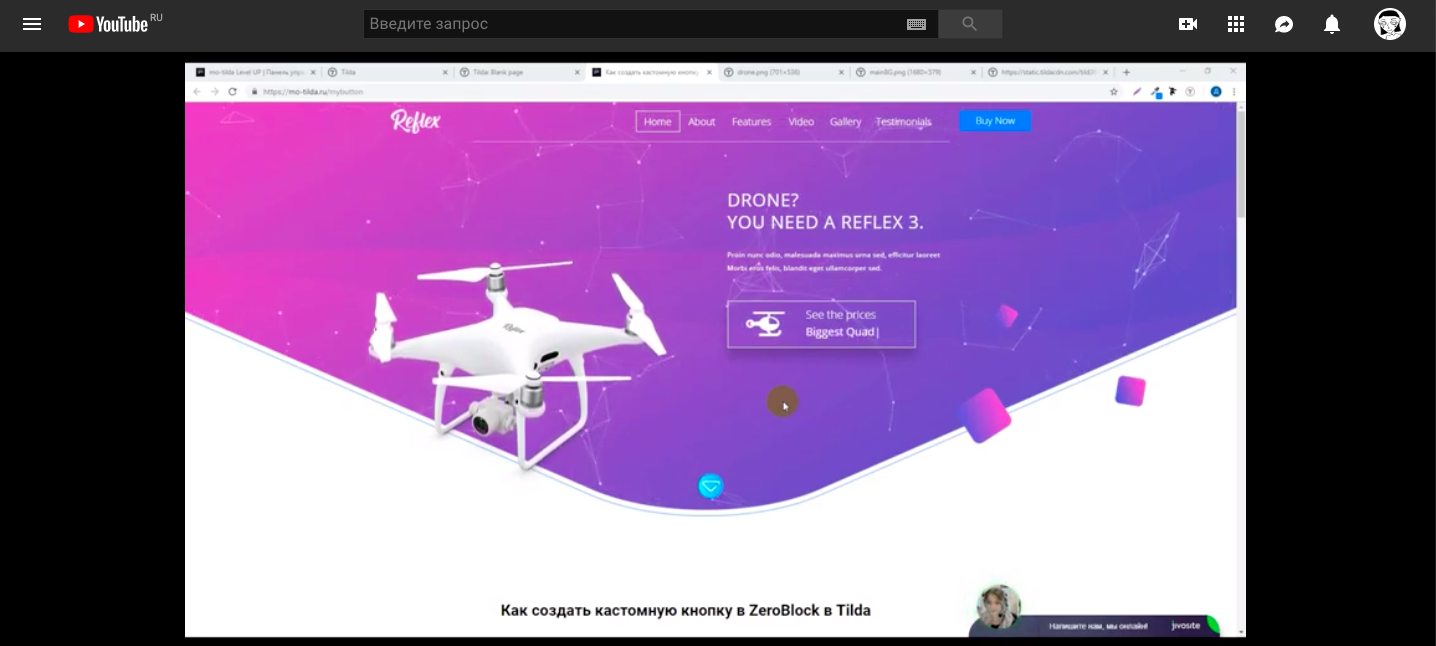
Как создать слайдер до/после из блока GL09 в Tilda
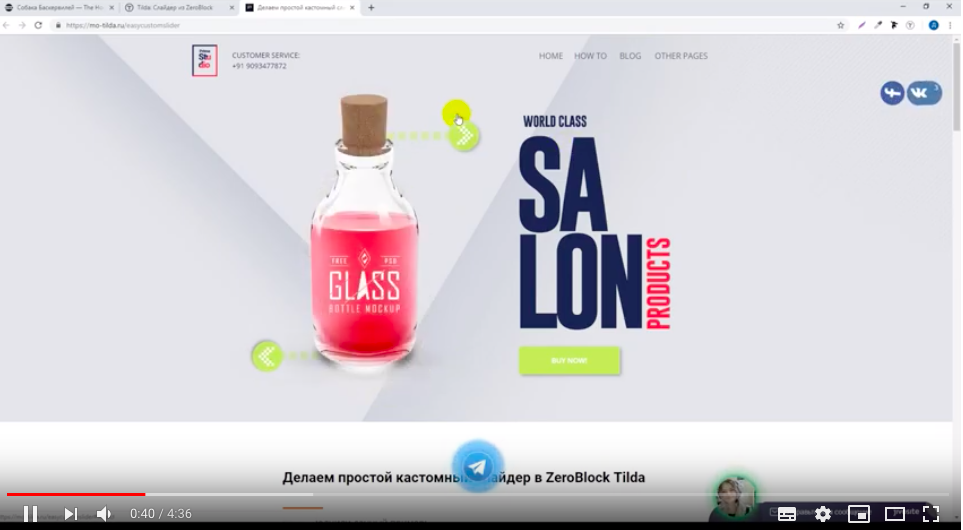
Фрагмент видео

Библиотека для примера
<link rel="stylesheet" href="https://cdn.jsdelivr.net/npm/swiper@11/swiper-bundle.min.css">

<style>
.uc-gl-in-line {
    display: none;
}

.uc-gl-in-line .t410__col.t-col {
    max-width: none;
    padding: 0;
    margin: 0;
}

.uc-gl-in-line .t-beforeafter__image.t-beforeafter__image_right {
    right: 1px;
}


.glwrapper {
    position: relative;
    padding: 0 20px;
}

.swiper-slide {
    height: auto;
}

.swiper-slide .uc-gl-in-line {
    display: block;
    width: 100%;
}

.swiper-button-next,
.swiper-button-prev {
    color: #000;
}

.custom-prev,
.custom-next {
    cursor: pointer;
}

.swiper-no-swiping {
    touch-action: auto !important;
}


@media screen and (max-width: 959px) {
    .swiper {
        overflow: hidden;
    }
}


@media screen and (min-width: 960px) {
    .swiper {
        overflow: hidden;
    }

    .swiper-slide {
        box-sizing: border-box;
    }
}
</style>

<script src="https://cdn.jsdelivr.net/npm/swiper@11/swiper-bundle.min.js"></script>

<script>
document.addEventListener("DOMContentLoaded", function() {
    (function() {
        const gl09List = document.querySelectorAll('.uc-gl-in-line');

        if (gl09List.length === 0) return;

        const firstBlock = gl09List[0];
        const parentContainer = firstBlock.parentNode;
        const nextSibling = firstBlock.nextSibling;

        const glWrapper = document.createElement("div");
        glWrapper.classList.add('glwrapper');

        glWrapper.innerHTML = `
            <div class="swiper">
                <div class="swiper-wrapper"></div>
                <div class="swiper-button-prev"></div>
                <div class="swiper-button-next"></div>
            </div>
        `;

        const swiperWrapper = glWrapper.querySelector('.swiper-wrapper');

        gl09List.forEach(function(block) {
            const slide = document.createElement('div');
            slide.classList.add('swiper-slide');
            slide.appendChild(block);
            swiperWrapper.appendChild(slide);
        });

        if (nextSibling) {
            parentContainer.insertBefore(glWrapper, nextSibling);
        } else {
            parentContainer.appendChild(glWrapper);
        }

        const swiperElement = glWrapper.querySelector('.swiper');
        const swiper = new Swiper(swiperElement, {
            loop: false,
            slidesPerView: 1,
            spaceBetween: 20,
            grabCursor: true,
            allowTouchMove: true,

            navigation: {
                nextEl: '.swiper-button-next',
                prevEl: '.swiper-button-prev',
            },

            breakpoints: {
                960: {
                    slidesPerView: 3,
                    spaceBetween: 20,
                }
            }
        });

        const customPrev = document.querySelector('.custom-prev');
        const customNext = document.querySelector('.custom-next');

        function updateCustomButtons() {
            if (customPrev) {
                if (swiper.isBeginning) {
                    customPrev.classList.add('swiper-button-disabled');
                } else {
                    customPrev.classList.remove('swiper-button-disabled');
                }
            }

            if (customNext) {
                if (swiper.isEnd) {
                    customNext.classList.add('swiper-button-disabled');
                } else {
                    customNext.classList.remove('swiper-button-disabled');
                }
            }
        }

        if (customPrev && customNext) {
            customPrev.addEventListener('click', function() {
                swiper.slidePrev();
            });

            customNext.addEventListener('click', function() {
                swiper.slideNext();
            });

            swiper.on('slideChange', updateCustomButtons);
            swiper.on('reachBeginning', updateCustomButtons);
            swiper.on('reachEnd', updateCustomButtons);
            swiper.on('fromEdge', updateCustomButtons);

            updateCustomButtons();

            const swiperButtons = glWrapper.querySelectorAll('.swiper-button-prev, .swiper-button-next');
            swiperButtons.forEach(function(btn) {
                btn.style.display = 'none';
            });
        }

        let isHandleActive = false;
        let swiperTimeout = null;

        function setSwiperState(active) {
            if (swiperTimeout) {
                clearTimeout(swiperTimeout);
                swiperTimeout = null;
            }

            if (!active) {
                swiper.allowTouchMove = false;
                swiperElement.style.touchAction = 'none';
                isHandleActive = true;
            } else {
                swiperTimeout = setTimeout(() => {
                    swiper.allowTouchMove = true;
                    swiperElement.style.touchAction = '';
                    isHandleActive = false;
                }, 300);
            }
        }

        document.addEventListener('mousedown', function(e) {
            if (e.target.closest('.t-beforeafter__handle')) {
                setSwiperState(false);
            }
        }, true);

        document.addEventListener('touchstart', function(e) {
            if (e.target.closest('.t-beforeafter__handle')) {
                setSwiperState(false);
            }
        }, true);

        document.addEventListener('mouseup', function(e) {
            if (e.target.closest('.t-beforeafter__handle') || isHandleActive) {
                setSwiperState(true);
            }
        }, true);

        document.addEventListener('touchend', function(e) {
            if (e.target.closest('.t-beforeafter__handle') || isHandleActive) {
                setSwiperState(true);
            }
        }, true);

        document.addEventListener('mousemove', function(e) {
            const target = e.target.closest('.t-beforeafter__handle');
            if (target && !isHandleActive) {
                setSwiperState(false);
            }
        }, true);

        const style = document.createElement('style');
        style.textContent = `
            .t-beforeafter__handle {
                cursor: ew-resize !important;
                touch-action: none !important;
                z-index: 100 !important;
            }
            .swiper-slide .t-beforeafter {
                touch-action: none !important;
            }
            .custom-prev.swiper-button-disabled,
            .custom-next.swiper-button-disabled {
                opacity: 0.5;
                pointer-events: none;
                cursor: default;
            }
        `;
        document.head.appendChild(style);

        function reinitBeforeAfter() {
            document.querySelectorAll('.uc-gl-in-line').forEach(function(block) {
                const id = block.id;
                if (id) {
                    const numericId = id.replace(/[^0-9]/g, '');
                    if (numericId && typeof t410_init === 'function') {
                        t410_init(numericId);
                    }
                }
            });
        }

        let resizeTimer = null;
        window.addEventListener('resize', function() {
            if (resizeTimer) {
                clearTimeout(resizeTimer);
            }
            resizeTimer = setTimeout(function() {
                reinitBeforeAfter();
                resizeTimer = null;
            }, 500);
        });

        reinitBeforeAfter();

    })();
});

</script>