
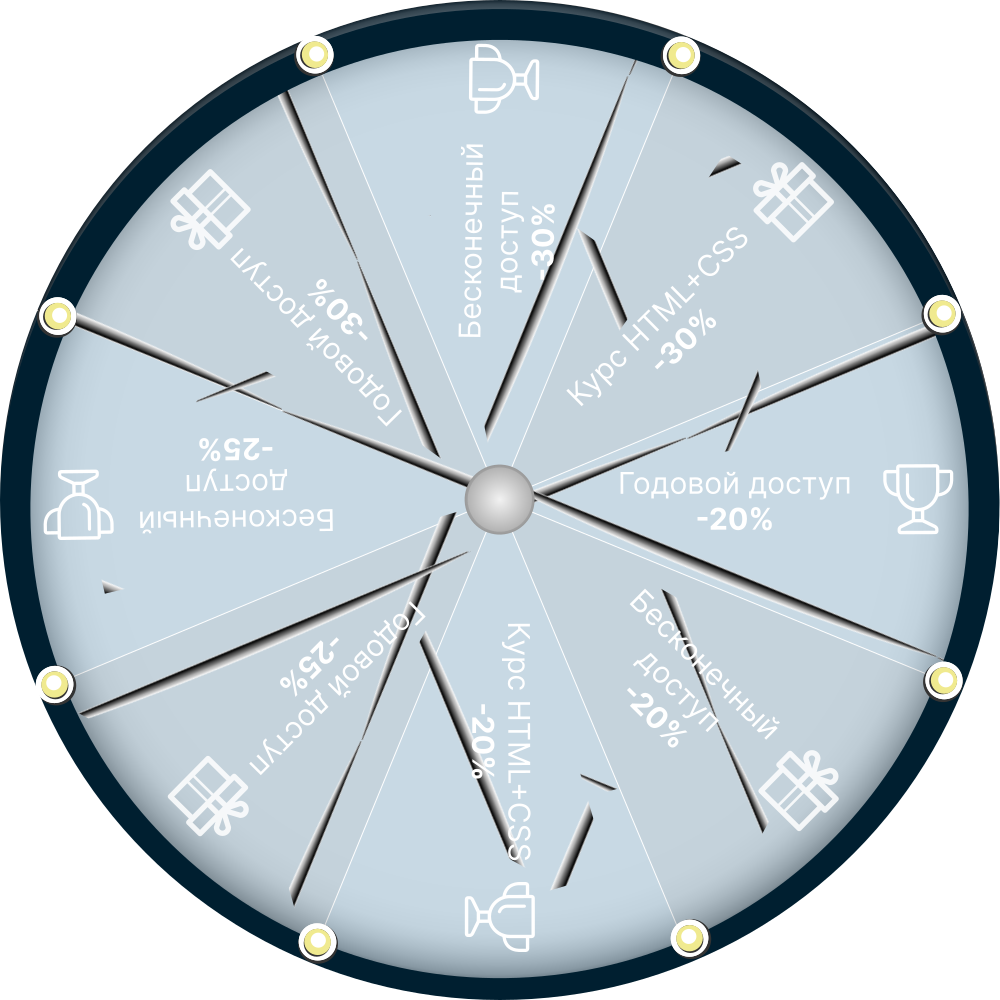
Ура, вы выиграли!
Ваш приз:
Годовой доступ
к видео на mo-ti -20%
по промокоду T19RAY
Промокод действителен 3 дня
Оформить доступ с промокодом
Ваш приз:
Годовой доступ
к видео на mo-ti -20%
по промокоду T19RAY
Промокод действителен 3 дня
Оформить доступ с промокодом
100
#2470a1 Ура, вы выиграли!
Ваш приз:
Бесконечный доступ
к видео на mo-ti -20%
по промокоду BYP877
Промокод действителен 3 дня
Оформить доступ с промокодом
Ваш приз:
Бесконечный доступ
к видео на mo-ti -20%
по промокоду BYP877
Промокод действителен 3 дня
Оформить доступ с промокодом
100
#19547b Ура, вы выиграли!
Ваш приз:
Курс по HTML+CSS
со скидкой -20%
по промокоду B1JUMZ
Промокод действителен 3 дня
Записаться с промокодом
Ваш приз:
Курс по HTML+CSS
со скидкой -20%
по промокоду B1JUMZ
Промокод действителен 3 дня
Записаться с промокодом
100
#2470a1 Ура, вы выиграли!
Ваш приз:
Годовой доступ
к видео на mo-ti -25%
по промокоду 9HV09P
Промокод действителен 3 дня
Оформить доступ с промокодом
Ваш приз:
Годовой доступ
к видео на mo-ti -25%
по промокоду 9HV09P
Промокод действителен 3 дня
Оформить доступ с промокодом
100
#2470a1 Ура, вы выиграли!
Ваш приз:
Бесконечный доступ
к видео на mo-ti -25%
по промокоду L1WBTH
Промокод действителен 3 дня
Оформить доступ с промокодом
Ваш приз:
Бесконечный доступ
к видео на mo-ti -25%
по промокоду L1WBTH
Промокод действителен 3 дня
Оформить доступ с промокодом
100
#19547b Ура, вы выиграли!
Ваш приз:
Годовой доступ
к видео на mo-ti -30%
по промокоду HJ7LC8
Промокод действителен 3 дня
Оформить доступ с промокодом
Ваш приз:
Годовой доступ
к видео на mo-ti -30%
по промокоду HJ7LC8
Промокод действителен 3 дня
Оформить доступ с промокодом
100
#2470a1 Ура, вы выиграли!
Ваш приз:
Бесконечный доступ
к видео на mo-ti -30%
по промокоду 8GYA8Y
Промокод действителен 3 дня
Оформить доступ с промокодом
Ваш приз:
Бесконечный доступ
к видео на mo-ti -30%
по промокоду 8GYA8Y
Промокод действителен 3 дня
Оформить доступ с промокодом
100
#19547b Ура, вы выиграли!
Ваш приз:
Курс по HTML+CSS
со скидкой -30%
по промокоду JS7KZQ
Промокод действителен 3 дня
Записаться с промокодом
Ваш приз:
Курс по HTML+CSS
со скидкой -30%
по промокоду JS7KZQ
Промокод действителен 3 дня
Записаться с промокодом
100
#19547b Услуги
- Глубокая кастомизация ядра: Переработка стандартной логики магазина, адаптация витрины под уникальные бизнес-процессы.
- Умная коммерция: Гибкие сценарии скидок, настройка промокодов и нестандартные алгоритмы расчета доставки.
- Интерактивные интерфейсы: Создание уникальных слайдеров и сложных калькуляторов (кредитов, рассрочек, расхода материалов).
- Интеграционная платформа: Настройка бесшовного обмена данными с CRM, 1С, складами и внешними API.
- Экосистема платежей и уведомлений: Подключение платежных шлюзов, настройка Email/SMS-рассылок и трекинга доставки.
- Генерация документов: Автоматическое формирование счетов, договоров и чеков (PDF/изображения) с отправкой клиенту на почту.
- Уникальный UX/UI: Нестандартные визуальные решения для карточек товаров, корзины и процесса оформления заказа.
- «Сделать невозможное»: Реализация задач со сложной, неочевидной бизнес-логикой, где готовых решений нет.
Как добавить кнопки связанных разделов в карточку товара в Tilda

Как добавить кнопки связанных разделов в карточку товара в Tilda
1
Создали товар в каталоге и добавили к нему несколько разделов
2
Создали блок ST305N и вывели туда все разделы
3
Создали блок CL46 с заголовками
Раздел;Название;Ссылка
И задали ему класс uc-part-tables-btn
Раздел;Название;Ссылка
И задали ему класс uc-part-tables-btn
4
- Создали блок T123 и добавили туда код#1
- Опубликовали страницу и кликнули по кнопке "Сформировать список с разделами"
- Затем кликнули по кнопке "Копировать список"
- И вставили данные в нашу таблицу CL46
5
Блок ST305N теперь можно удалить, если он не нужен.
код#1 тоже можно удалить или скрыть
код#1 тоже можно удалить или скрыть
6
Вставили на страницу блок Т123 и добавили туда код#2
Mo-ti Level Up
Видео инструкции по добавлению кода и работе с Zero Block.
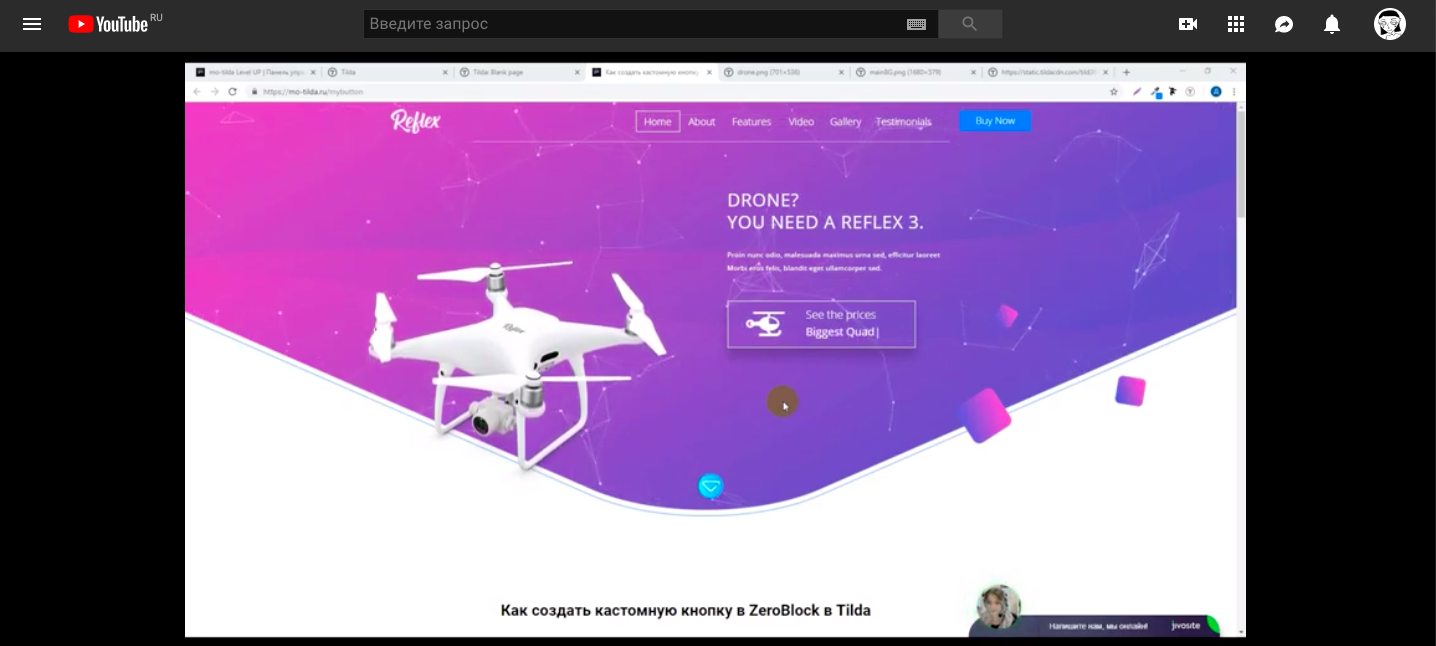
Как добавить кнопки связанных разделов в карточку товара в Tilda
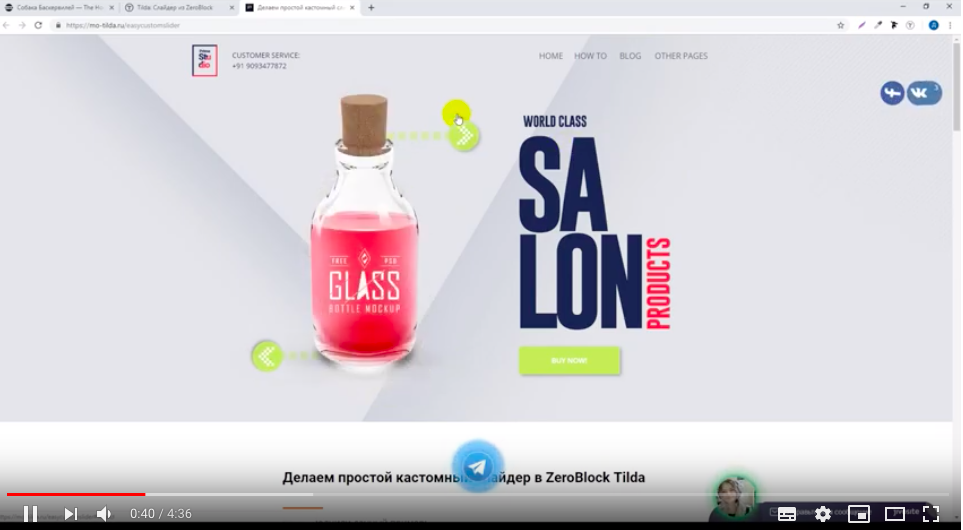
Фрагмент видео

Библиотека примера
Код#1
<div class="part-list-wrapper t-container t-text">
<button class="part-creator-btn">
    Сформировать список с разделами
</button>
<div class="part-list-table"></div>
</div>


<script>
document.addEventListener("DOMContentLoaded", function(){

    (function () {
        const partCreatorBtn = document.querySelector('.part-creator-btn');
        if (partCreatorBtn) {
            partCreatorBtn.addEventListener('click', function() {
                collectPartData();
            });
        };

        function collectPartData(){
            const switchWrapper = document.querySelector('.t-store__parts-switch-wrapper');
            if (switchWrapper) {
                const switchButtons = switchWrapper.querySelectorAll('.t-store__parts-switch-btn');
                if (switchButtons.length > 0) {
                    const partObj = {};
                    switchButtons.forEach(button => {
                        const partLink  = button.getAttribute('data-storepart-link');

                        const  uid = (partLink) => {
                            const match = partLink.match(/\/c\/(\d+)/);
                            return match ? match[1] : null;
                        };

                        const text = button.textContent.trim();
                        if (partLink) {
                            partObj[uid(partLink)] = text;
                        };
                    });


                    const partListTable = document.querySelector('.part-list-table');

                    if (partListTable) {
                        if (typeof partObj !== 'undefined' && partObj !== null) {
                            partListTable.innerHTML = '';
                            if(document.querySelector('.copy-part-list')) document.querySelector('.copy-part-list').remove();

                            for (const [key, value] of Object.entries(partObj)) {
                                const pElement = document.createElement('p');
                                pElement.textContent = `${key};${value};`;
                                partListTable.appendChild(pElement);
                            }

                            const copyButton = document.createElement('button');
                            copyButton.className = 'copy-part-list';
                            copyButton.innerHTML = `
                                <svg xmlns="http://www.w3.org/2000/svg" width="16" height="16" fill="currentColor" viewBox="0 0 16 16">
                                    <path fill-rule="evenodd" d="M10 1.5a.5.5 0 0 0-.5-.5h-3a.5.5 0 0 0-.5.5v1a.5.5 0 0 0 .5.5h3a.5.5 0 0 0 .5-.5v-1Zm-5 0A1.5 1.5 0 0 1 6.5 0h3A1.5 1.5 0 0 1 11 1.5v1A1.5 1.5 0 0 1 9.5 4h-3A1.5 1.5 0 0 1 5 2.5v-1ZM4.5 5a.5.5 0 0 0-.5.5v9a.5.5 0 0 0 .5.5h7a.5.5 0 0 0 .5-.5v-9a.5.5 0 0 0-.5-.5h-7Z"/>
                                </svg>
                                Копировать список
                            `;

                            partListTable.insertAdjacentElement('afterend', copyButton);

                            copyButton.addEventListener('click', function() {
                                const paragraphs = partListTable.querySelectorAll('p');
                                let textToCopy = '';

                                paragraphs.forEach(p => {
                                    textToCopy += p.textContent + '\n';
                                });

                                navigator.clipboard.writeText(textToCopy).then(() => {
                                    copyButton.innerHTML = `
                                        <svg xmlns="http://www.w3.org/2000/svg" width="16" height="16" fill="currentColor" viewBox="0 0 16 16">
                                            <path d="M13.854 3.646a.5.5 0 0 1 0 .708l-7 7a.5.5 0 0 1-.708 0l-3.5-3.5a.5.5 0 1 1 .708-.708L6.5 10.293l6.646-6.647a.5.5 0 0 1 .708 0z"/>
                                        </svg>
                                        Скопировано!
                                    `;
                                    copyButton.classList.add('copied');

                                    setTimeout(() => {
                                        copyButton.innerHTML = `
                                            <svg xmlns="http://www.w3.org/2000/svg" width="16" height="16" fill="currentColor" viewBox="0 0 16 16">
                                                <path fill-rule="evenodd" d="M10 1.5a.5.5 0 0 0-.5-.5h-3a.5.5 0 0 0-.5.5v1a.5.5 0 0 0 .5.5h3a.5.5 0 0 0 .5-.5v-1Zm-5 0A1.5 1.5 0 0 1 6.5 0h3A1.5 1.5 0 0 1 11 1.5v1A1.5 1.5 0 0 1 9.5 4h-3A1.5 1.5 0 0 1 5 2.5v-1ZM4.5 5a.5.5 0 0 0-.5.5v9a.5.5 0 0 0 .5.5h7a.5.5 0 0 0 .5-.5v-9a.5.5 0 0 0-.5-.5h-7Z"/>
                                            </svg>
                                            Копировать список
                                        `;
                                        copyButton.classList.remove('copied');
                                    }, 2000);
                                }).catch(err => {
                                    console.error('Ошибка при копировании: ', err);
                                    copyButton.textContent = 'Ошибка копирования';
                                });
                            });
                        }
                    }


                    console.log(partObj);

                };
            };
        };

    })();

});
</script>


<style>
button.part-creator-btn {
    display: block;
    margin: 0 auto;
    padding: 15px;
    margin-bottom: 25px;
    cursor: pointer;
}


.copy-part-list {
    display: inline-flex;
    align-items: center;
    gap: 8px;
    padding: 8px 16px;
    background-color: #4CAF50;
    color: white;
    border: none;
    border-radius: 4px;
    cursor: pointer;
    font-size: 14px;
    margin-top: 10px;
    transition: all 0.3s ease;
}

.copy-part-list:hover {
    background-color: #45a049;
}

.copy-part-list.copied {
    background-color: #2196F3;
    transform: scale(1.05);
}

.copy-part-list svg {
    vertical-align: middle;
}

button.copy-part-list {
    margin-bottom: 30px;
}

.part-list-wrapper {
    text-align: center;
}

.part-list-table p {
    margin-bottom: 5px;
}

</style>
Код#2
<script>
document.addEventListener("DOMContentLoaded", function(){

(function () {

    const partButtonTitle = 'Связанные категории';

    let snippetSearchRepeat = 0;
    let tistore = setInterval(function() {
            const productListNum = document.querySelector('.t-store__product-snippet');
            if(productListNum) {
                if(productListNum.hasAttribute("data-product-url")){
                    clearInterval(tistore);
                    createPartButtons(true);
                };
            };
            snippetSearchRepeat++;
            if(snippetSearchRepeat>50) clearInterval(tistore);
    }, 100);


    function createPartButtons(em){
        setTimeout(function(){

            let productCardSlider = '';
            if (em) {
                productCardSlider = document.querySelector('.t-store__product-snippet .t-store__prod-popup__slider');
            } else {
                productCardSlider = document.querySelector('.t-store .t-popup_show .t-store__prod-popup__slider') ||
                                   document.querySelector('.t-catalog .t-popup_show .t-catalog__prod-popup__slider');
            };

            console.log()


            if(productCardSlider!=null){
                const productParent = productCardSlider.closest('.js-product');
                if (productParent) {
                    const productPartUid = productParent.getAttribute('data-product-part-uid');
                    if (productPartUid) {
                        const partArr = productPartUid.split(',');
                        const partTables = document.querySelector('.uc-part-tables-btn .t431__tbody');
                        const findPartObj = {};
                        if (partTables) {
                            const rows = partTables.querySelectorAll('tr');
                            partArr.forEach(partId => {
                                for (let row of rows) {
                                    const tds = row.querySelectorAll('td');
                                    if (tds.length >= 3) {
                                        const firstTdText = tds[0].textContent.trim();
                                        const title = tds[1].textContent.trim();
                                        const link = tds[2].textContent.trim();
                                        if (firstTdText === partId.trim() && title!='' && link!='' ) {
                                            findPartObj[partId] = [title, link];
                                            break;
                                        };
                                    };
                                };
                            });


                            if (Object.keys(findPartObj).length > 0) {

                                let partsButtons = '';

                                for (const [key, value] of Object.entries(findPartObj)) {
                                    partsButtons += `<a href="${value[1]}" class="part-button">${value[0]}</a>`;
                                }

                                const oldWrapper = document.querySelector('.part-buttons-wrapper');
                                if (oldWrapper) {
                                    oldWrapper.remove();
                                }

                                const wrapper = document.createElement('div');
                                wrapper.className = 'part-buttons-wrapper t-btn';
                                wrapper.innerHTML = `
                                    <div class="part-buttons-title">${partButtonTitle}</div>
                                    <div class="part-buttons-links">${partsButtons}</div>
                                `;

                                // Вставляем в конец слайдера
                                productCardSlider.appendChild(wrapper);
                            }
                        }
                    }
                }


            };

        }, 300);

    };

    document.addEventListener('click', function(event) {
        if(event.target.closest('a[href*="/tproduct/"]')){
            setTimeout(function () {  createPartButtons(false) }, 300);
        };
    });

})();

});
</script>


<style>

.uc-part-tables-btn{
    display: none;
}

#allrecords .part-buttons-wrapper a {
    padding: 7px 20px;
    border: 1px solid #000;
    color: #000;
    font-size: 14px;
    font-weight: 400;
    transition: all 0.3s;
    border-radius: 5px;
}

.part-buttons-wrapper {
    margin: 25px 0;
}

.part-buttons-links{
    display: flex;
    flex-wrap: wrap;
    gap: 10px;
}

.part-buttons-title {
    text-align: left;
    margin-bottom: 10px;
}


#allrecords .part-buttons-wrapper a:hover {
    background-color: #000;
    color: #fff;
}
</style>